
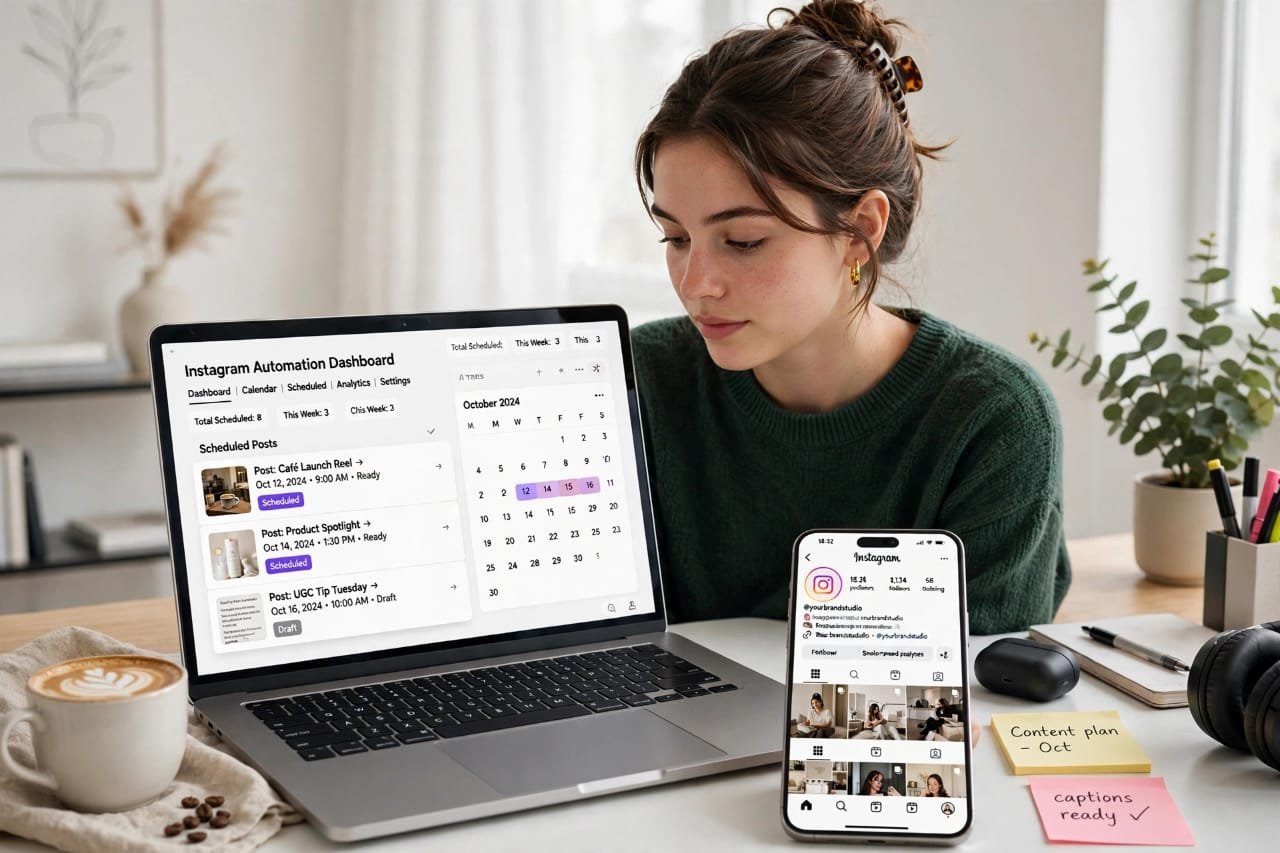
I will be honest with you. When I first started posting on Instagram, I was doing everything manually.
Every morning, I would open my phone, find a photo, write a caption in a hurry, add 20 random hashtags, and post it. Some days I forgot. Some days I posted at 2 AM when nobody was awake. And after 2 months, I was burned out. My growth was zero.
Then a friend told me, “Why are you wasting your time? Just automate it.”
That one sentence changed everything for me.
Today, in 2026, I don’t worry about posting daily. My posts go live automatically, even when I am sleeping, traveling, or spending time with my family. And my engagement has actually gone UP, not down.
If you are tired of the daily posting stress, this guide is for you. I am going to show you exactly how to automate Instagram posts, step-by-step, in simple language. No technical jargon. No expensive tools required.
Let’s get started.
Table of Contents
What Does It Mean To Automate Instagram Posts?
A lot of people think automation means using robots or fake bots. That is not true. And please, never use those fake bots. They will destroy your account.
To automate Instagram posts simply means you plan your content in advance and let a trusted tool publish it for you at the perfect time.
For example, on Sunday, you can create 7 posts for the whole week. You write the captions, add the photos, select the time, and click “Schedule”. Done. For the next 7 days, your tool will post them for you automatically.
You stay consistent, your audience sees you every day, and you get your time back. That is the real power of Instagram automation.
Why Should You Automate Instagram Posts in 2026?
Instagram in 2026 is not like it was in 2020. The competition is 10x higher. If you miss even 2-3 days, the algorithm forgets you. Your reach drops.
Here is why I personally recommend automation to every small business owner, creator, and freelancer:
1. You Save 10+ Hours Every Week
Think about it. If you spend 1 hour daily on posting, that is 7 hours a week. With automation, you can do the whole week’s work in just 1-2 hours on Sunday.
2. You Post At The Best Time, Every Time
Your audience is most active at 7 PM. But you are busy at 7 PM. A scheduling tool will post exactly at 7 PM, even if you are in a meeting. That is a huge advantage.
3. You Stay Consistent
Consistency is the number one secret of Instagram growth. The algorithm loves accounts that post regularly. Automation makes consistency easy.
4. You Can Plan Better Content
When you are not in a rush, you write better captions. You design better images. You think about strategy instead of just posting for the sake of posting.
5. Less Stress, More Creativity
Honestly, this is the biggest benefit for me. When I stopped worrying about “What should I post today?”, I started enjoying Instagram again.
Is It Safe To Automate Instagram Posts? My Honest Opinion
This is the question everyone asks me. So let me give you my honest, no-nonsense answer.
Yes, it is 100% safe IF you use the right tools.
Instagram officially allows scheduling through its API. Tools like Meta Business Suite, Buffer, Later, and Hootsuite are official partners of Meta. Instagram WANTS you to use them.
But it is NOT safe if you use cheap bots.
If a tool promises you “10,000 followers overnight” or “Auto-like 500 posts per hour”, run away. Those are spam tools. Instagram will shadow-ban you or even delete your account. I have seen many friends lose their accounts this way.
Rule: Use automation for scheduling and planning, not for fake engagement. Keep it real.
How To Automate Instagram Posts: Step-By-Step Guide
Now let’s get to the practical part. I will show you 3 methods, from free to advanced. Pick the one that fits your budget.
Step 1: Switch To A Professional Account
You cannot automate properly with a personal account. You need a Business or Creator account. It is free and takes 1 minute.
Go to Settings > Account > Switch to Professional Account. Select Creator or Business. Done.
This unlocks scheduling, insights, and analytics.
Step 2: Connect Your Account To Meta Business Suite (Free Method)
This is the best free method to automate Instagram posts. And it is made by Instagram itself.
- Go to business.facebook.com on your laptop
- Connect your Instagram account to your Facebook Page
- Click on “Planner” or “Create Post”
- Upload your photo or Reel
- Write your caption and hashtags
- Click the arrow next to “Publish” and select “Schedule”
- Choose your date and time, and click Schedule
That’s it. Your post will go live automatically. You don’t need to do anything else.
My Experience: I used Meta Business Suite for 6 months when I started. It is 100% free and very reliable. The only downside is that the interface is a little slow and you cannot schedule Stories with music easily. But for beginners, it is perfect.
Step 3: Use A Third-Party Scheduling Tool (My Favorite Method)
If you want more features, use a tool like Later, Buffer, or Metricool.
Here is how it works:
- Create a free account on Later or Buffer
- Connect your Instagram account
- Upload all your photos for the week in bulk
- Drag and drop them onto the visual calendar
- Write your captions and save your hashtag groups
- Set the best time to post (the tool will suggest it for you)
- Click Schedule
The best part? You can see your whole Instagram feed in advance. You can make sure the colors look good together. This is what professional creators do.
Step 4: Create A Content Calendar
Automation without a plan is useless. You need a simple calendar.
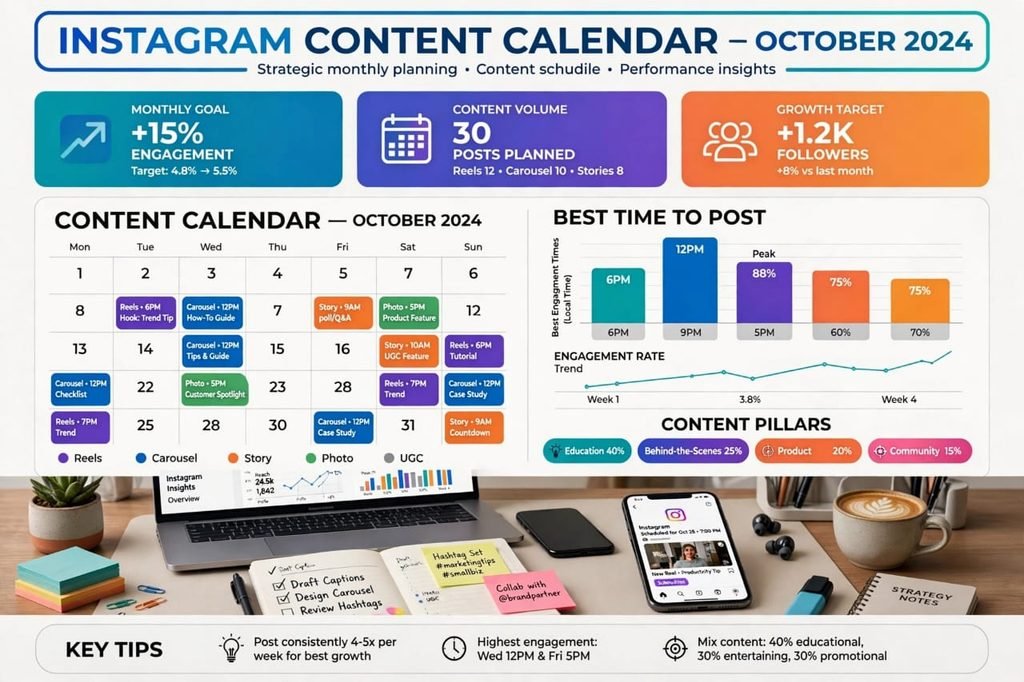
Here is the calendar I use, and it works great:
Monday: Educational Post / Carousel – Teach something
Tuesday: Reel – Quick tip or behind-the-scenes
Wednesday: Motivational Quote or Story
Thursday: Product / Service Post
Friday: Funny / Relatable Reel
Saturday: Customer Review / Testimonial
Sunday: Rest or Personal Post
You don’t need to follow this exactly. Just make sure you are not posting “Buy Now” every single day. People get bored. Mix it up.
Step 5: Write Captions And Hashtags In Advance
This is my secret trick. Don’t write captions on the same day you post.
When you batch-create content, sit for 2 hours and write all 7 captions together. You will write much better captions because your brain is in “writing mode”.
Also, create 3 sets of hashtags and save them:
- Set 1 for Reels
- Set 2 for Carousels
- Set 3 for Product Posts
This saves so much time.
Step 6: Check Your Analytics Once A Week
Automation does not mean “set it and forget it forever”. You still need to check what is working.
Every Sunday, spend 15 minutes checking your Instagram Insights. Look at:
- Which post got the most saves?
- Which Reel got the most shares?
- What time got the most likes?
Then do more of what works, and less of what doesn’t. Simple.
7 Best Tools To Automate Instagram Posts in 2026
I have tested almost all of them. Here are my top 7, with honest pros and cons:
1. Meta Business Suite – Best Free Tool
Price: Free
Pros: 100% Free, Official by Meta, Very Safe, Can schedule Reels and Carousels
Cons: No visual planner, Interface is a bit slow, Limited analytics
Best For: Beginners and small businesses who don’t want to spend money
2. Later – Best For Visual Planning
Price: Free plan available, Paid starts at $18/month
Pros: Beautiful drag-and-drop calendar, Shows how your feed will look, Best hashtag suggestions
Cons: Free plan allows only 30 posts per month
Best For: Creators who care about how their feed looks
3. Buffer – Best For Simplicity
Price: Free plan available
Pros: Very easy to use, Clean interface, Good for beginners
Cons: Limited features in free plan
Best For: People who hate complicated tools
4. Metricool – Best For Analytics
Price: Free plan available
Pros: Amazing analytics, Shows best time to post, Can manage TikTok + Instagram together
Cons: Design is a little old-fashioned
Best For: Small business owners who love data
5. Hootsuite – Best For Agencies
Price: Starts at $99/month
Pros: Manage 10+ accounts, Team collaboration, Powerful reports
Cons: Very expensive for beginners
Best For: Agencies managing many clients
6. Canva Pro – Best For Design + Scheduling
Price: $12.99/month
Pros: You can design AND schedule in one place, Huge templates
Cons: Analytics are basic
Best For: People who make their own designs in Canva
7. SocialPilot – Best Value For Money
Price: Starts at $30/month
Pros: Cheap for 10 accounts, Good customer support
Cons: Mobile app is not great
Best For: Freelancers managing multiple clients
My Personal Recommendation: If you are just starting, use Meta Business Suite. It is free and safe. Once you start earning, switch to Later or Metricool. Don’t waste money in the beginning.
Can You Automate Instagram Stories And Reels Too?
Yes, you can. And you should.
In 2026, Reels get 3x more reach than normal photos. So you must automate Reels.
Meta Business Suite, Later, and Buffer all allow you to schedule Reels now. You can upload the video, add the caption, and schedule it. It will go live automatically.
For Stories, most tools will send you a notification to post it manually because Instagram has some restrictions on music in Stories. But you can still plan them in advance.
My Tip: Schedule 1 Reel every day and 2-3 Stories manually. This combination works best for growth.
Common Mistakes To Avoid When You Automate Instagram Posts
Please learn from my mistakes. I made all of these when I started:
Mistake 1: Automating Everything And Disappearing
Automation is not a replacement for you. You still need to reply to comments and DMs. If you automate posts but never reply, people will think you are a robot. Instagram will also reduce your reach.
Spend at least 20 minutes a day replying to comments. That is non-negotiable.
Mistake 2: Posting The Same Content Every Day
If you schedule 30 posts that all say “Buy My Course”, you will lose followers fast. People come to Instagram to learn and be entertained, not to see ads all day.
Follow the 80/20 rule: 80% value, 20% selling.
Mistake 3: Using Banned Hashtags
Some hashtags are banned by Instagram. If you use them, your post will get zero reach. Always check your hashtags before scheduling.
Mistake 4: Not Checking Your Scheduled Posts
Sometimes Instagram changes its rules, or a tool has a bug. Your post might fail to publish. Check your planner once a day to make sure everything went live correctly.
Mistake 5: Posting At The Wrong Time
Don’t just schedule for 12 PM because it is convenient. Check your Insights. If your audience is active at 8 PM, schedule for 8 PM. Timing matters a lot.
How To Automate Instagram Posts For Free – My 2-Hour Weekly System
This is the exact system I use every week. Steal it.
Sunday – 2 Hours Work:
- Hour 1: Take 5 photos or record 3 Reels, design them in Canva
- Hour 2: Write all captions, add hashtags, schedule all 7 posts in Meta Business Suite
Monday to Saturday – 20 Minutes Daily:
- 10 minutes: Reply to comments and DMs
- 10 minutes: Post 2 Stories manually and engage with 10 other accounts
That’s it. Total work is about 4 hours per week. Before automation, I was spending 14+ hours per week. I saved 10 hours. And my followers grew faster.
If you are a student, a busy mom, or a business owner, this system is a lifesaver.
Pros And Cons Of Automating Instagram Posts
Let’s be fair. Automation is amazing, but it is not perfect. Here is the honest truth:
Pros:
- Saves a lot of time
- Keeps you consistent even when you are busy
- Helps you post at the best time
- Reduces stress and burnout
- Lets you plan better, higher-quality content
- Great for managing multiple accounts
Cons:
- Can feel less personal if you never engage
- Some tools cost money
- You might miss trending topics if you schedule too far in advance
- Technical glitches can happen, a post might fail
- You still need to reply manually, automation doesn’t do everything
My Final Verdict: The pros are much bigger than the cons. Every serious creator in 2026 uses some form of automation. If you don’t, you are working harder, not smarter.
Frequently Asked Questions
Can I automate Instagram posts for free?
Yes. You can use Meta Business Suite completely free. It is the official tool from Meta. You can schedule posts, Reels, and Carousels for free.
Will automation hurt my engagement?
No. If you use official tools like Later, Buffer, or Meta Business Suite, it will NOT hurt your engagement. In fact, because you post consistently at the best time, your engagement usually increases. It only hurts if you use fake bots.
What is the best time to automate Instagram posts?
Generally, 7 PM to 9 PM on weekdays works best for most audiences. But the best time for YOU depends on your followers. Go to Instagram Insights > Audience > Most Active Times and check your own data.
Can I automate Instagram DMs?
Yes, you can set up auto-replies for common questions like “What is the price?” using Meta Business Suite or ManyChat. But don’t use it to spam people. Use it only for customer service.
How many posts should I automate per week?
For beginners, 4-5 posts per week is perfect. For fast growth, 1 post + 1 Reel daily is ideal. Don’t try to post 3 times a day in the beginning. Quality beats quantity.
Final Thoughts – Should You Start Today?
If you have read this far, you already know the answer is YES.
You don’t need to be perfect. You don’t need expensive tools. You just need to start.
Today, go to Meta Business Suite and schedule just ONE post for tomorrow. Just one. See how it feels. Tomorrow, you will wake up and your post will already be live, without you doing anything. That feeling is amazing.
I started exactly like this. One scheduled post. Then 7. Then 30. And now Instagram is my biggest source of traffic and income.
So, what are you waiting for? How are you going to automate your Instagram posts this week? Tell me in the comments. I read every single one.
And if this guide helped you, please share it with a friend who is still posting manually every day. You might just save them 10 hours a week.
Happy automating!